

Two-Factor Authentication (2FA) can offer significant benefits for both businesses and individual users, although the technology may seem complex and the tools themselves vary. It’s important to understand the security features included with 2FA-capable devices. Below is a comparison of the authentication process using YubiKey vs SMS vs Google Authenticator.
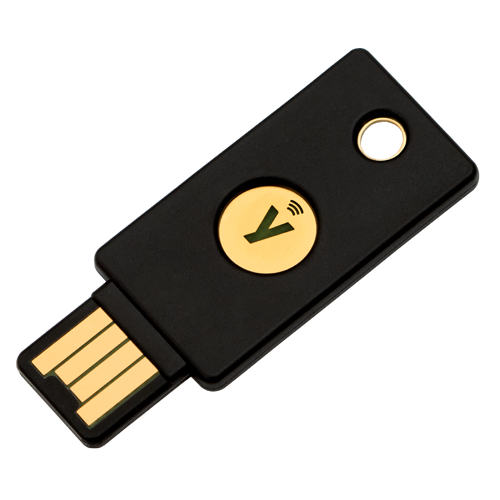
1. YubiKey
Advantages:
a. Works automatically
b. One of the keys to securing unlimited applications
c. Excellent support for users
d. Easy to use
Disadvantages:
a. Some sites do not support it
b. Paid service
How to Use YubiKey as a Security Key
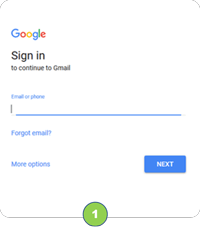 Enter Username and Password. Enter Username and Password. |
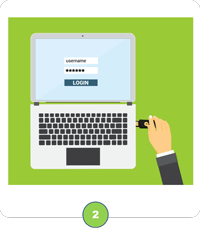 Insert the YubiKey into the USB port. Insert the YubiKey into the USB port. |
 Touch the YubiKey device and login successful. Touch the YubiKey device and login successful. |
|---|
2. SMS
Advantages:
a. Free to use
b. Can be used in offline mode
c. One-time password
d. Easy to use
Disadvantages:
a. Verification codes can be shared
b. Only usable on mobile
How to Use SMS as a Security Key
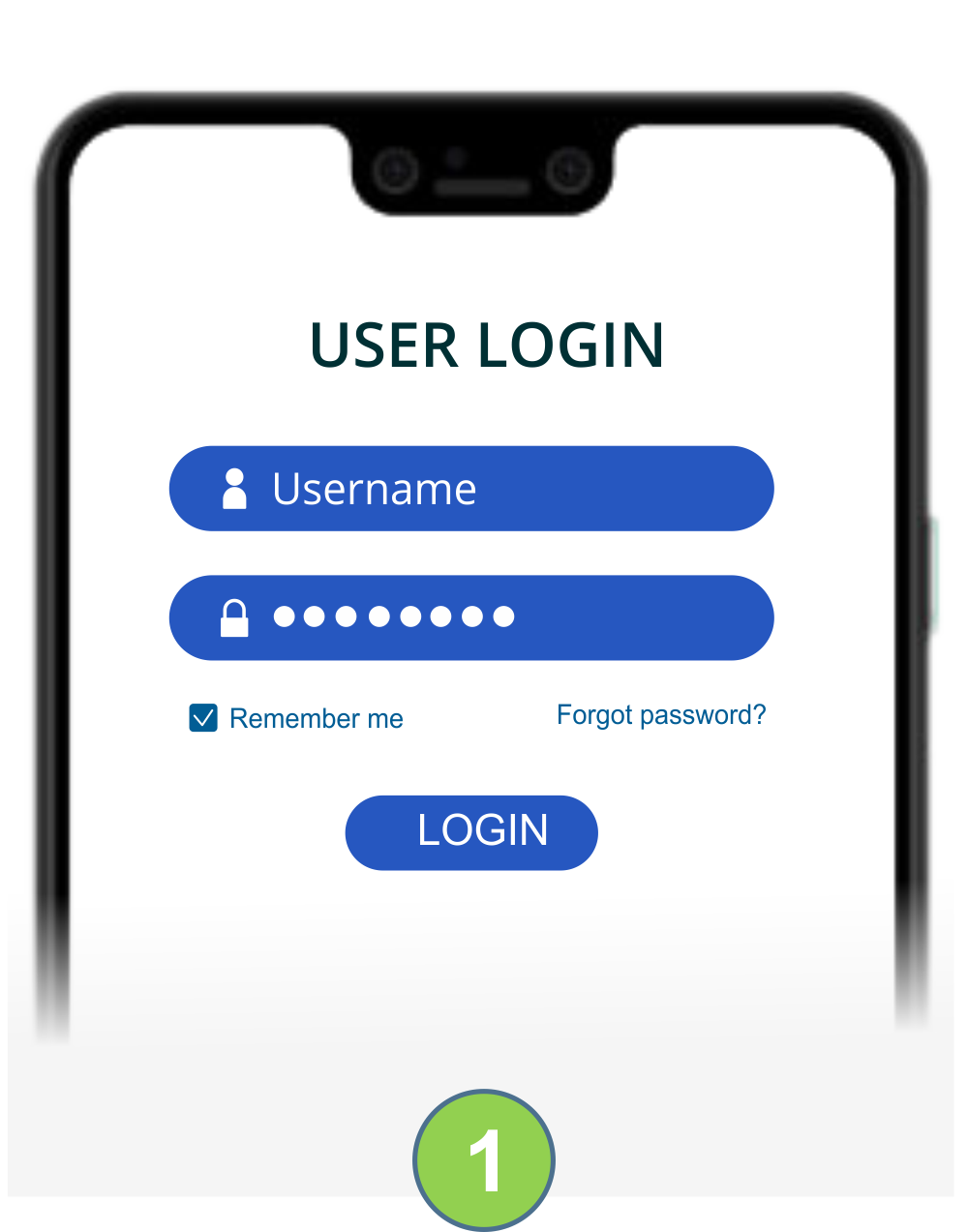 Enter Username and Password. Enter Username and Password. |
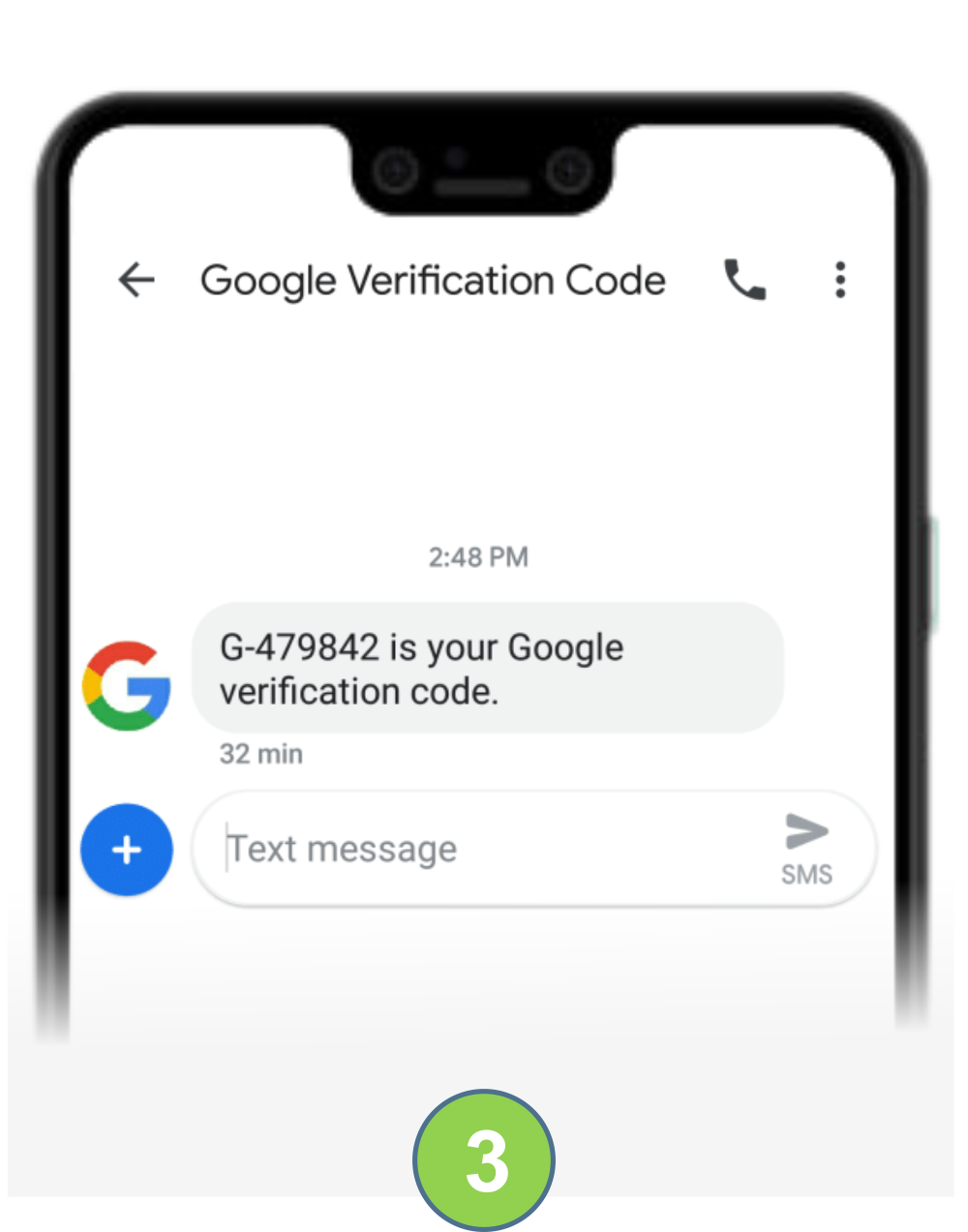
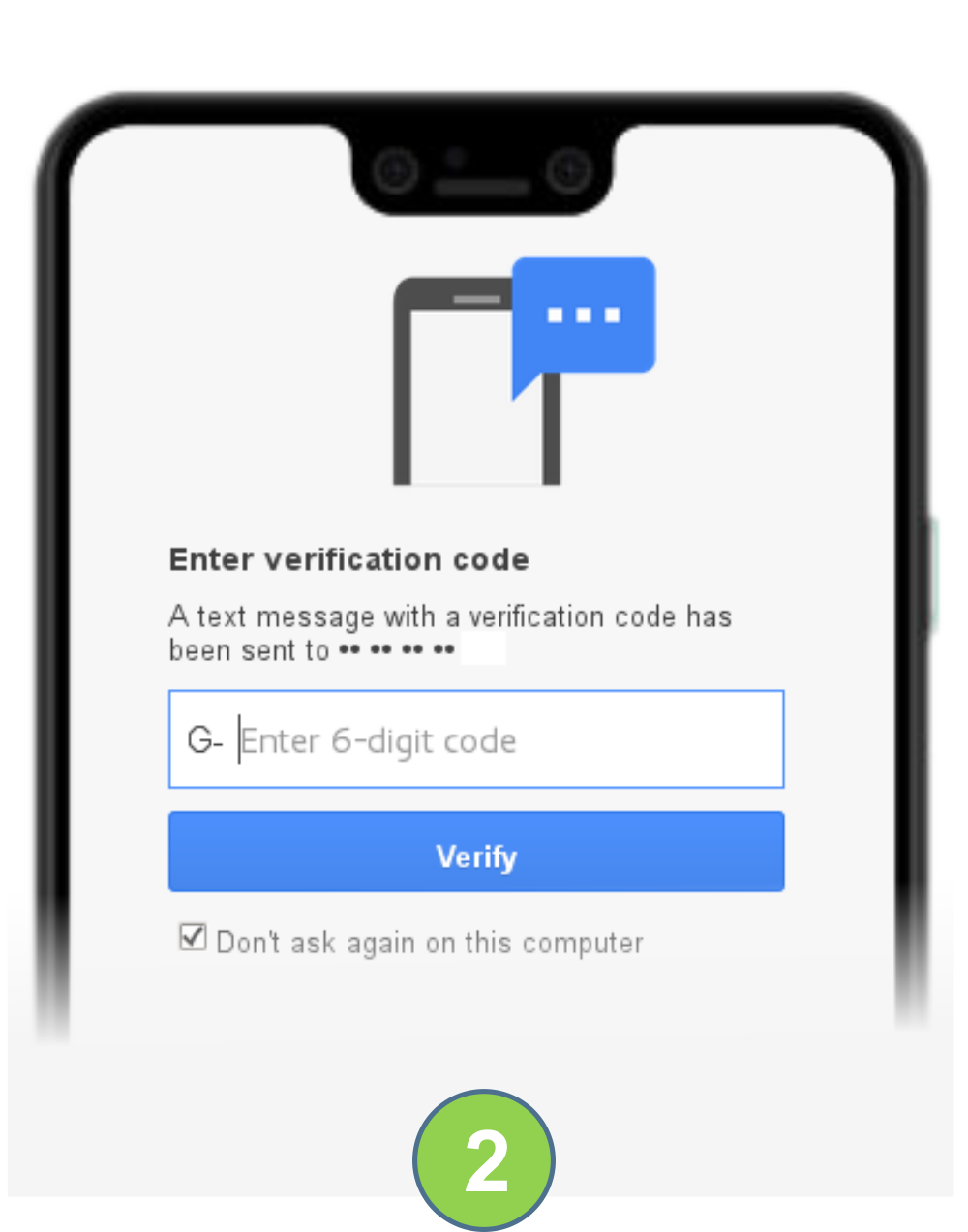 Check the SMS notification. Check the SMS notification. |
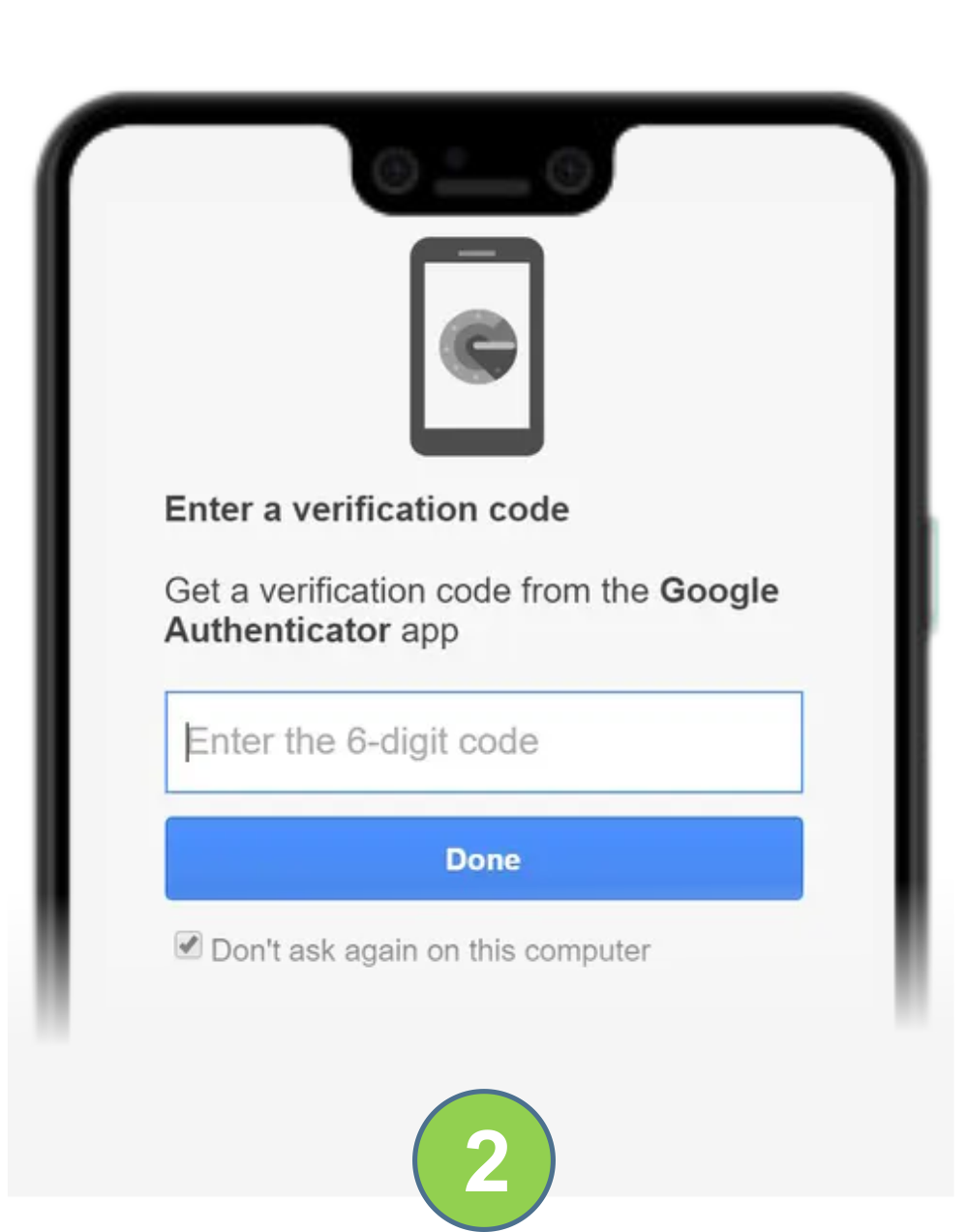
 Enter the verification code in the application. Enter the verification code in the application. |
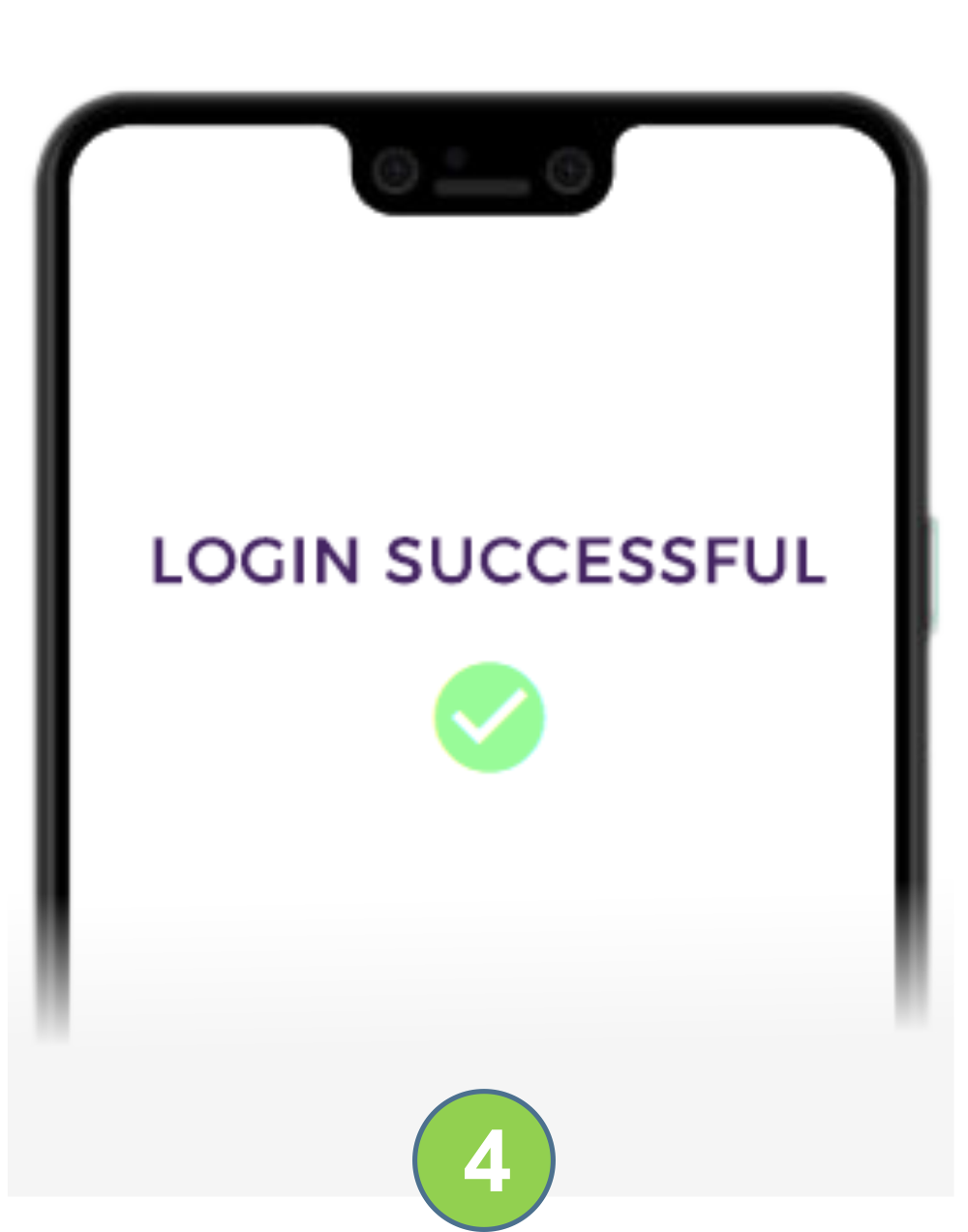 Login successful. Login successful. |
|---|
3. Google Authenticator
Advantages:
a. TOTP algorithm
b. Works online
c. Can be used for multiple accounts
d. Easy to use
Disadvantages:
a. App interface
b. Account usage limitations
How to Use Google Authenticator as a Security Key
| Masukkan Username dan password |
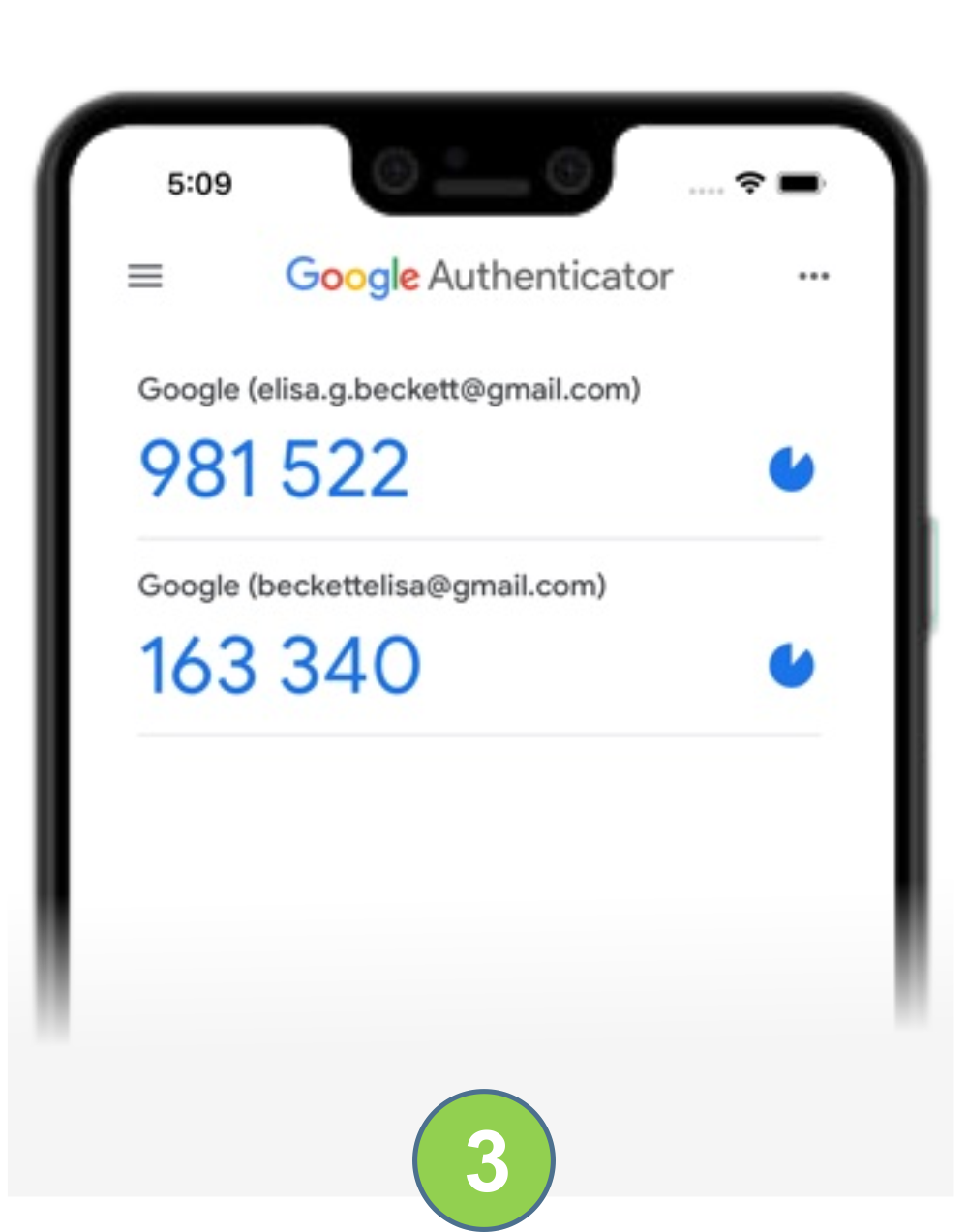
 Open the Google Authenticator app. Open the Google Authenticator app. |
 Enter the verification code into the login account. Enter the verification code into the login account. |
Login successful |
|---|
Comparison Table of Two-Factor Authentication (2FA) Using YubiKey vs SMS vs Google Authenticator
 |
 |
 |
|
|---|---|---|---|
| YubiKey | SMS | Google Authenticator | |
| Security Functions | |||
| FIDO U2F |  |
– | |
| Multiple Token | |
– | |
| Smartphones | |
|
|
| Desktops | |
– | |
| Passwordless | |
– | – |
| RDM Integration | |
– | |
|
Many Applications |
|
– | – |
| Physical device | |
– | – |
| Offline Mode | |
|
|
| Personalization Tool | |
– | – |
| Open Source | – | |
|