
After the YubiKey is registered, the user’s PIN can be changed from the default (123456) that is still set. You can use the YubiKey Manager application to change the PIN and more. Here’s how to change the YubiKey PIN using the YubiKey Manager application.
1. Download the YubiKey Manager by clicking here, then install it until it’s complete.
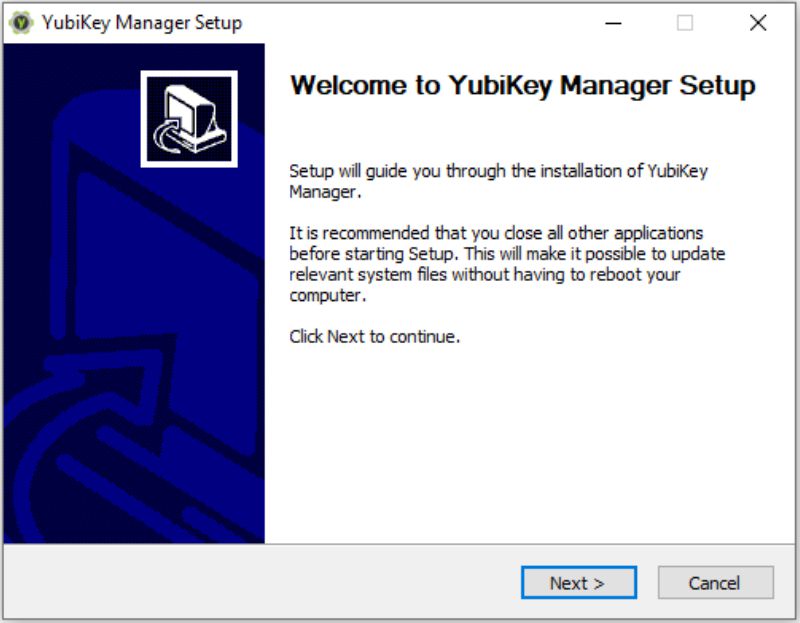
2. Open YubiKey Manager and insert your YubiKey device into the USB port of your computer.

3. The YubiKey device has been inserted and detected according to the YubiKey model.

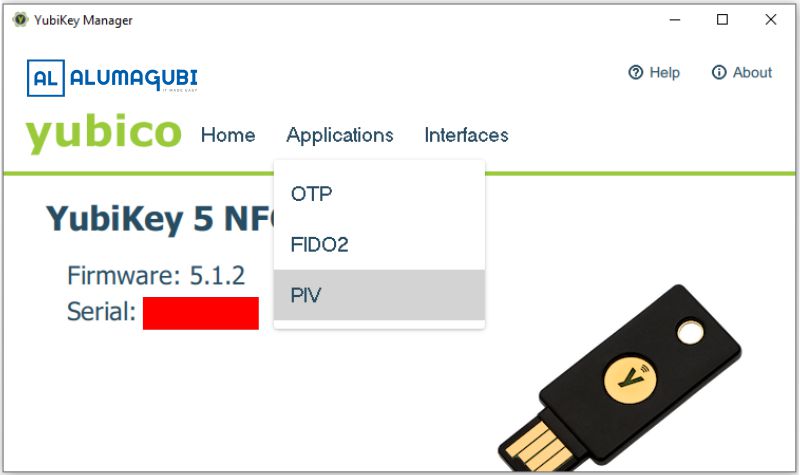
4. Click the ‘Applications’ menu and select ‘PIV’.
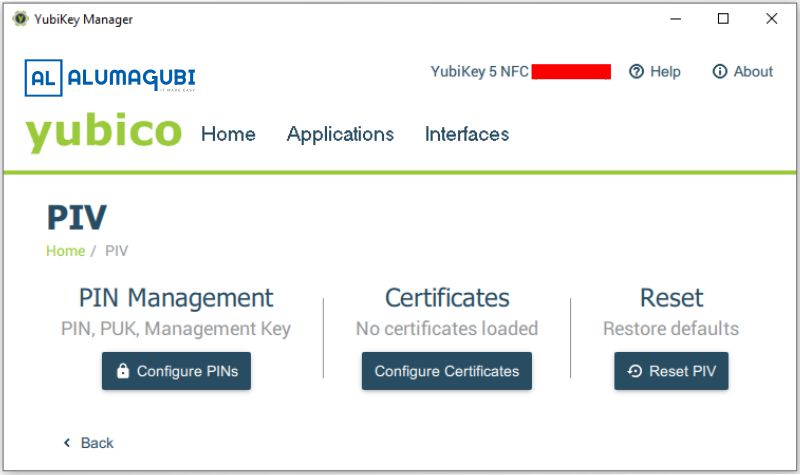
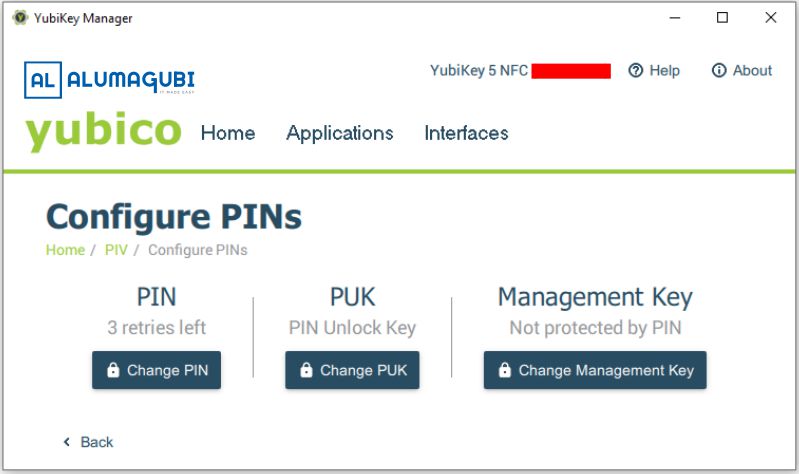
5. In the ‘PIN Management’ section, click the ‘Configure PINs’ button.
6. Click the ‘Change PIN’ button.
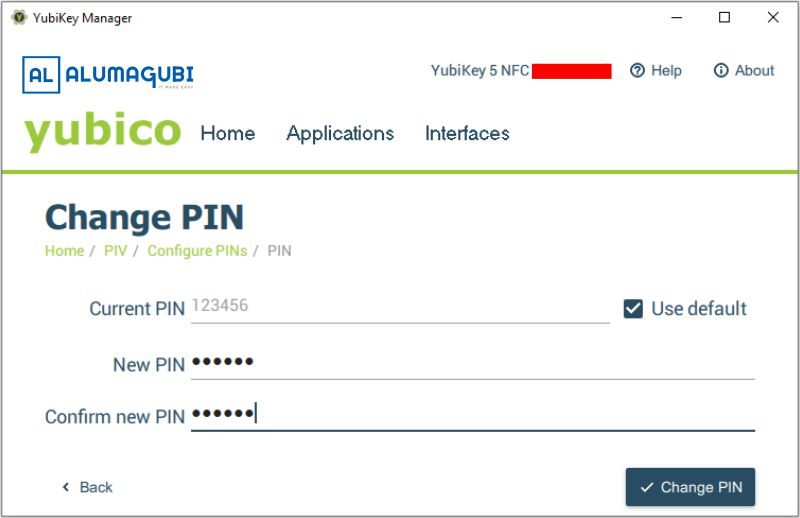
7. If this is your first time changing the PIN, please check ‘Use default’. However, enter the old PIN if you have changed the PIN before. Then, enter the new PIN and confirm the PIN.
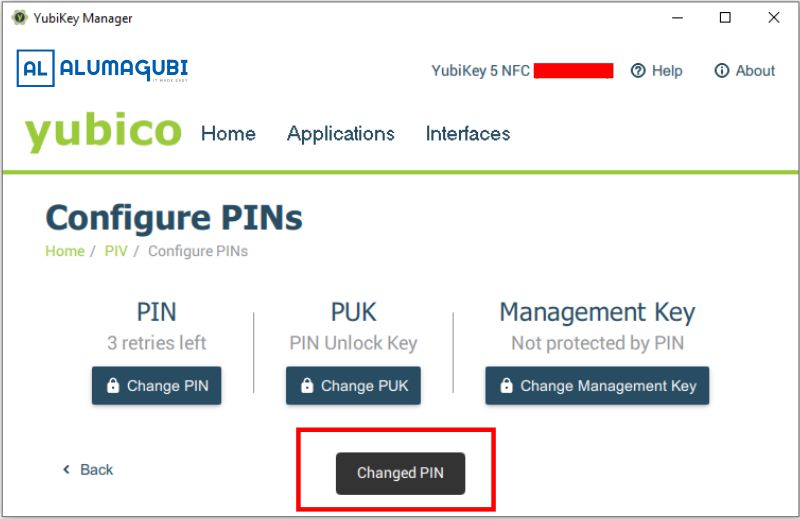
8. If successful, a notification saying ‘Changed PIN’ will appear.
That’s the tutorial on how to change the PIN on your YubiKey device. If you need more information about YubiKey security keys, please click here, or contact us.”